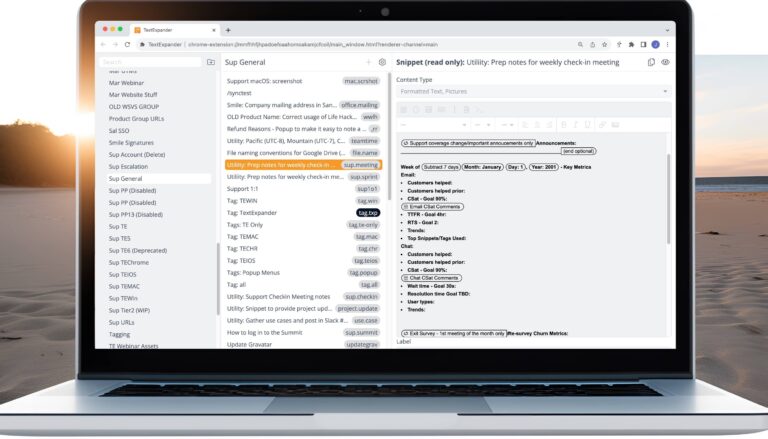
TextExpander lets you save the text you type most often as snippets and insert them anywhere with a short abbreviation. This category is the hub for using it well. You’ll find step-by-step tutorials, tips on fill-ins, formatting, and public groups, guidance on TextExpander’s AI features, release notes, webinars, and stories from customers who’ve saved hours each week. New users can start with the beginner tutorials, and teams can learn how to share snippets for consistent messaging.
Medical progress notes are essential but slow to write by hand. Clinicians can learn how templates, checkboxes, dropdown lists, and saved standard phrases in TextExpander help complete documentation more quickly.
Invoicing gets easier with cloud accounting software, a process that fits your workflow, and stored text for common invoice details. See an example invoicing workflow plus answers to common freelancer invoicing questions.
British and American English spellings differ in words like favorite and favourite. Get two TextExpander Snippet groups that convert spellings automatically in either direction for clients, journals, and global teams.
Importing and exporting Snippet groups on TextExpander.com works with .textexpander and CSV files. Follow the steps to bring existing shortcuts in from a spreadsheet or export a group to back it up or share it.
Therapy notes can take less time with templates and reusable phrases. See how clinicians use TextExpander for progress note templates, checkboxes, dropdown lists, and standard terms, plus answers to common note questions.
TextExpander for Chrome brings full Snippet editing, Teams support, and Inline Search into the browser. Get answers on pricing, updating, permissions, browser support, and how the extension works with the desktop app.
Abbreviation prefixes keep TextExpander Snippets short, memorable, and hard to trigger by accident. Compare the prefixes experienced users rely on, such as double commas, semicolons, periods, and slashes, plus group prefixes.
TextExpander's Feature Spotlight webinar on Fill-ins shows how to build customizable Snippets with single-line and multi-line fields, optional sections, and popup menus that adapt one Snippet to many situations.
Prompt engineering for ChatGPT can help writers analyze their work instead of replacing it. Screenwriter Ryan Briggs shares prompts for evaluating memos, breaking down scenes, and spotting reversals, plus their limits.