TextExpander is now part of Lenny’s Product Pass
The links, prompts, and updates you rewrite every week can each live behind a few keystrokes. Lenny's Product Pass subscribers can now try that on TextExpander Pro, free for a year.

The links, prompts, and updates you rewrite every week can each live behind a few keystrokes. Lenny's Product Pass subscribers can now try that on TextExpander Pro, free for a year.
The best productivity apps each do one job well: capture tasks, protect focus, run meetings, or cut repeat typing. Compare picks for work and everyday life, including the office productivity tools teams rely on.
Text replacement on Windows isn't built in the way it is on a Mac or iPhone. See what AutoCorrect, PowerToys, and clipboard history can do, and how to set up text shortcuts that work in every Windows app.
These text replacement ideas go past the email sign-off to help desk answers, interview invites, spreadsheet formulas, time zone math, and 50+ other shortcuts real people use so they can stop looking things up.
Brand voice guidelines only work if people use them. See what to include, brand voice examples, and a template, then turn your voice into shared Snippets that stay on-brand everywhere your team types.
To send the same email to multiple recipients individually, choose by list size and how personal each email must be. Compare Bcc, mail merge in Gmail and Outlook, and fill-in templates for one-by-one sends.
Outlook Quick Parts save reusable blocks of text you can drop into any email. Learn how to add, edit, and insert Quick Parts in new and classic Outlook, where they fall short, and how TextExpander for Outlook shares text across a team.
Prompt management tools help teams store, version, test, and share the AI prompts that produce good results. Compare 12 of the best, from tools that help business teams reuse prompts in everyday work to platforms developer teams use to ship LLM applications.
An out-of-office message tells people when you're back, who can help now, and what happens to their email. Get examples for vacations, sick days, parental leave, and conferences, for clients and colleagues.
Product manager templates for your standup, customer interviews, bug reports, AI prompts, and Friday update, saved as Snippets you can type in any app. Start with five, then share them with your team.
An email disclaimer sets expectations about confidentiality, liability, or required wording before a message goes out. This guide gives you more than 20 copy-ready templates by type, plus plain guidance on what a disclaimer can and can't do.
Setting up text replacement on Android means working inside your keyboard app, not one system menu. Here's how to do it in Gboard, Samsung Keyboard, and SwiftKey, and what to do once you outgrow it.
AutoText is text you save once and insert on demand. Word calls it AutoText, Outlook calls it Quick Parts, your phone calls it text replacement, and your EHR calls it Auto Text or SmartPhrases.
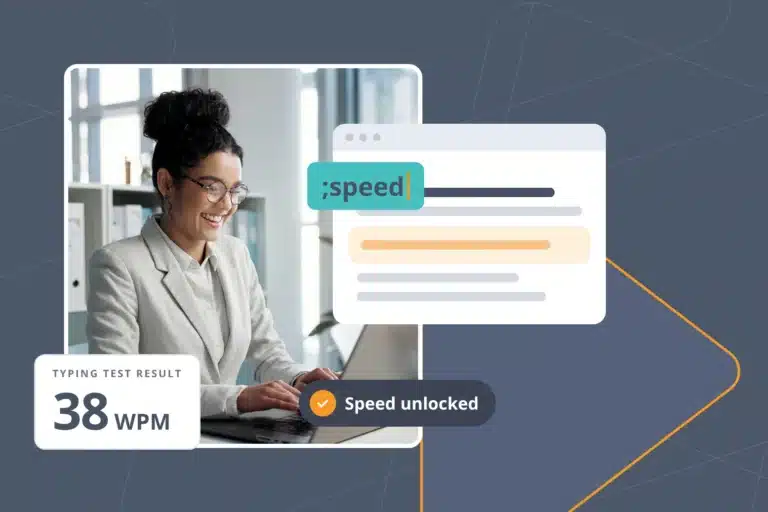
The average typing speed for U.S. adults is about 38 WPM on a computer and 29 on a phone, based on 2026 research. See averages by age group, what counts as a good typing speed for work, and how WPM and accuracy are scored.
An AI prompt library is a shared set of tested prompts your team can find and reuse in any AI tool. Learn how to build one in seven steps, organize and share it, and start with 15 prompts.
Consistent messaging is hard when every teammate keeps their own version of the answer. See how TextExpander customers got their teams to send the same accurate wording while still sounding like themselves, and how to check your own team's messages.
AI prompt templates turn a prompt that works into a reusable format with blanks for the details that change. Copy 68 templates for ChatGPT, Copilot, and Claude, grouped by team and industry, each ready to save as a Snippet.
OpenAI is retiring custom GPTs on December 11, 2026. See what moves to ChatGPT plugins, what you'll need to rebuild, and how to save your best instructions as Snippets that work in ChatGPT, Claude, Gemini, and Copilot.
The TextExpander MCP Server lets Claude read your Snippet library, flag duplicates and stale content, and make the changes you approve. See the workflow and prompts TextExpander's support team used to review 862 Snippets.
Productivity tools help you and your team spend less time on repeat work and more on the work that matters. This guide breaks down the main types of productivity software for business and how to choose a stack.
Wondering how to use TextExpander, and whether it's easy to learn? Customers who usually dread new software say they were productive after their first few Snippets. See how they got started, then build your first one in two minutes.
ChatGPT has no dedicated library for saved prompts, so most people retype their best ones or dig through old chats. See what ChatGPT can save today and how to keep reusable prompts that work in any AI tool.
How much time does TextExpander save? It depends on how much of your week goes to retyping, searching for, and copying what you've already written. See what customers changed, and how to estimate your own time back.
Shorthand typing is any way of writing faster with fewer characters than the full words, from Gregg and Pitman symbols to abbreviations that expand into full text. Learn how shorthand systems work, how fast they get, who still uses them, and which tools make digital shorthand practical.
Human-in-the-loop AI workflows work best when reviewers check what changes, not wording that is already approved. Learn where to add human review, what AI should draft, and which language should stay fixed.
Learn how to type faster with touch typing, proper posture, and short daily practice. See typing speed benchmarks from a study of 168,960 typists, free practice tools, and a 4-week plan to build speed that lasts.