TextExpander
press kit
Everything you need to write about TextExpander: company boilerplate, product facts, logos, screenshots, and a direct line to our team.
The kit includes the logo, app icon, product screenshots, and descriptions.
Company boilerplate
Use either version as written. Copy them straight into your story.
Short about 40 words
TextExpander helps people and teams communicate faster and more consistently. Users save their most-typed messages, templates, and answers as Snippets, then insert them anywhere they type on Mac, Windows, Chrome, iPhone, and iPad with a short abbreviation or quick search.
Long about 100 words
TextExpander is a Snippet and knowledge platform that helps individuals and teams communicate faster, more accurately, and in a consistent voice. Users save emails, templates, support answers, and other frequently used content as Snippets, then insert them in any app with a short abbreviation or quick search. Snippets stay in sync across Mac, Windows, Chrome, iPhone, and iPad. For teams, TextExpander becomes a shared library of approved messaging, with admin controls, permissions, usage insights, and SSO. New AI features recommend the right Snippet in context and help draft new ones, with a person reviewing everything before it is saved.
What is TextExpander?
TextExpander turns the things you type over and over into Snippets you can insert anywhere. Type a short abbreviation, or search your library with a keyboard shortcut, and TextExpander fills in the full text: an email address, a support reply, a meeting follow-up, or a multi-paragraph template.
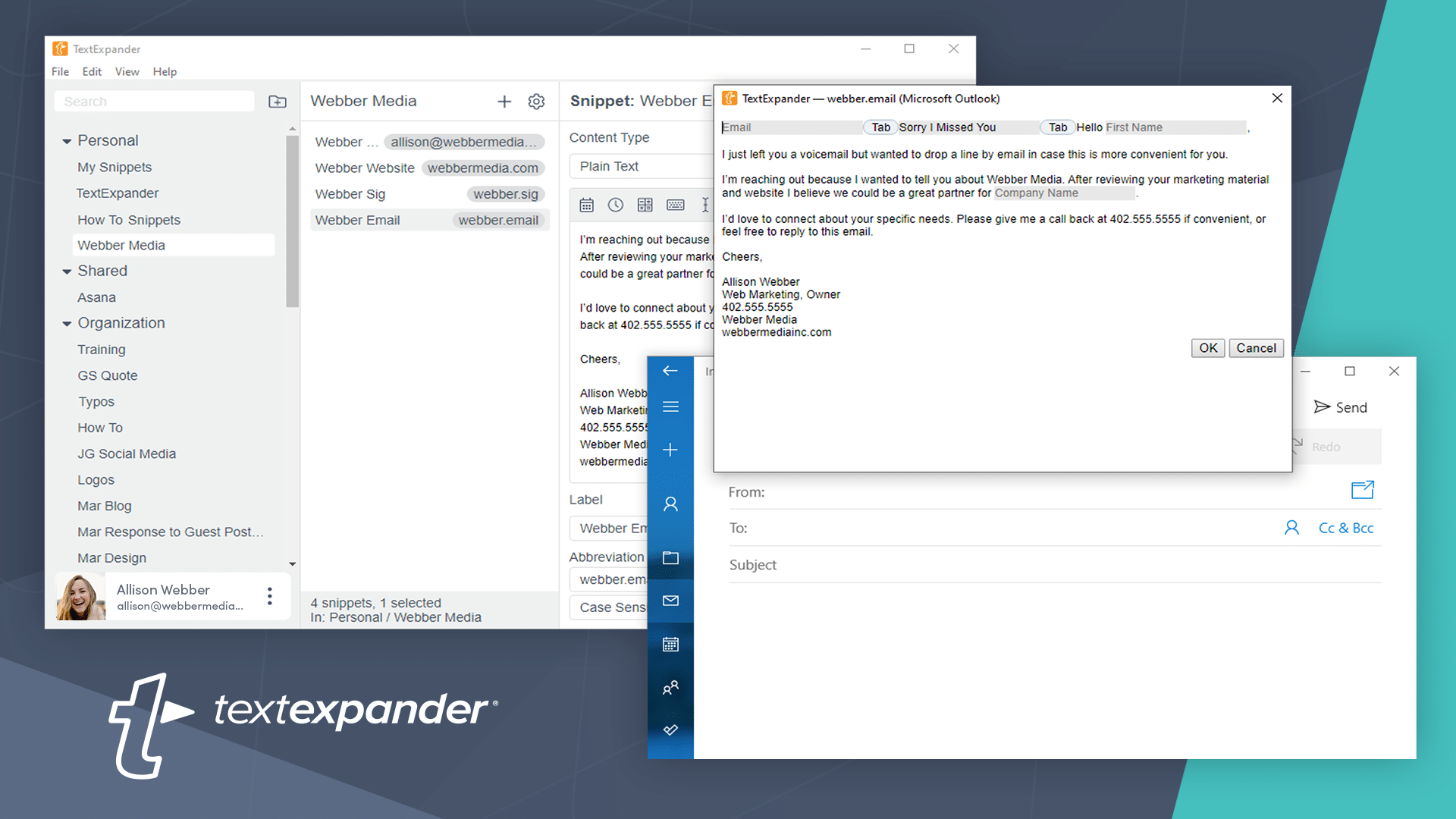
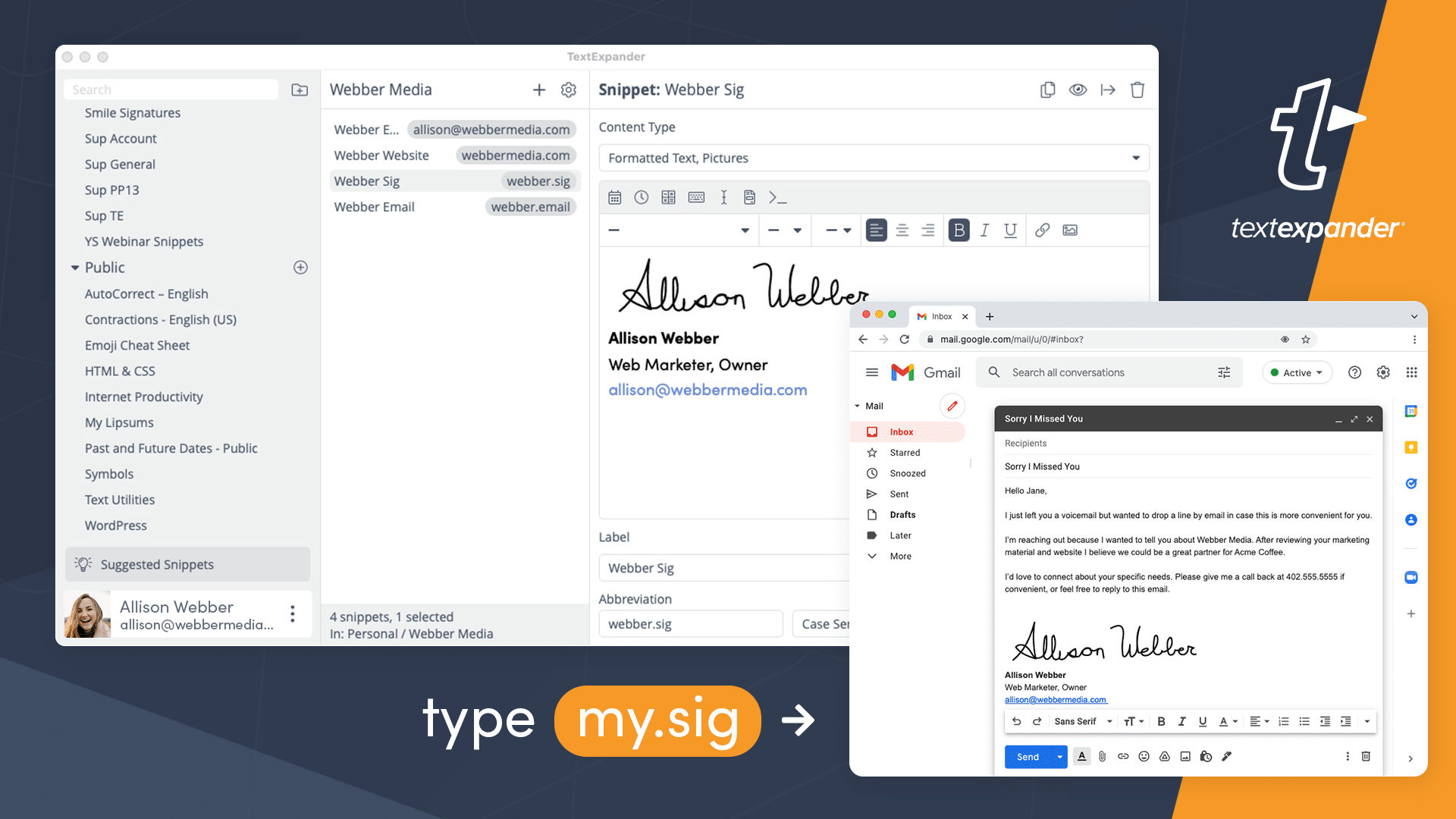
Snippets can do more than plain text. Fill-in fields let you personalize a template as it expands, so a single Snippet adapts to each recipient. Snippets can also include formatting, images, links, the current or a calculated date, clipboard contents, and scripts.
A single account covers every app, and Snippets sync automatically to all your devices through TextExpander.com.
Thanks, talk soon!;sig
Customer Success Lead
jordan@company.com · (555) 012-3456
Book a call: company.com/meet
TextExpander for teams
For teams, TextExpander becomes a shared library of approved messaging. Your best writing and your most experienced people’s know-how is available to everyone, as they type. Admins decide who can view and edit each Snippet group, new hires get up to speed on day one, and usage insights show which Snippets save the most time. The result is faster replies and a consistent voice across support, sales, recruiting, healthcare, and every other team that writes to customers.
What’s new in TextExpander
The newest additions to TextExpander.
TextExpander AI
AI that works from your approved content. AI Recommendations surface the right Snippet as you write in Chrome, with no abbreviation needed. When a Snippet doesn’t exist yet, AI drafts one from context for you to review, edit, and save.
- Runs on-device with Gemini Nano. Your content is never sent to a server or used to train AI.
- A person reviews every draft before it is saved.
Snippet Requests
Team members can suggest new Snippets or flag outdated ones. Admins review and approve each request, so the shared library stays accurate as the team grows.
TextExpander for iPhone & iPad
A rebuilt mobile app with a custom keyboard that expands Snippets in any app. Learn more. Android is in beta.
A free plan
Anyone can start using TextExpander free, with no credit card required, and upgrade to Pro or Business when they need more.
*Based on average TextExpander usage data.
Key features
Everyday typing
- Expand Snippets in any app with an abbreviation
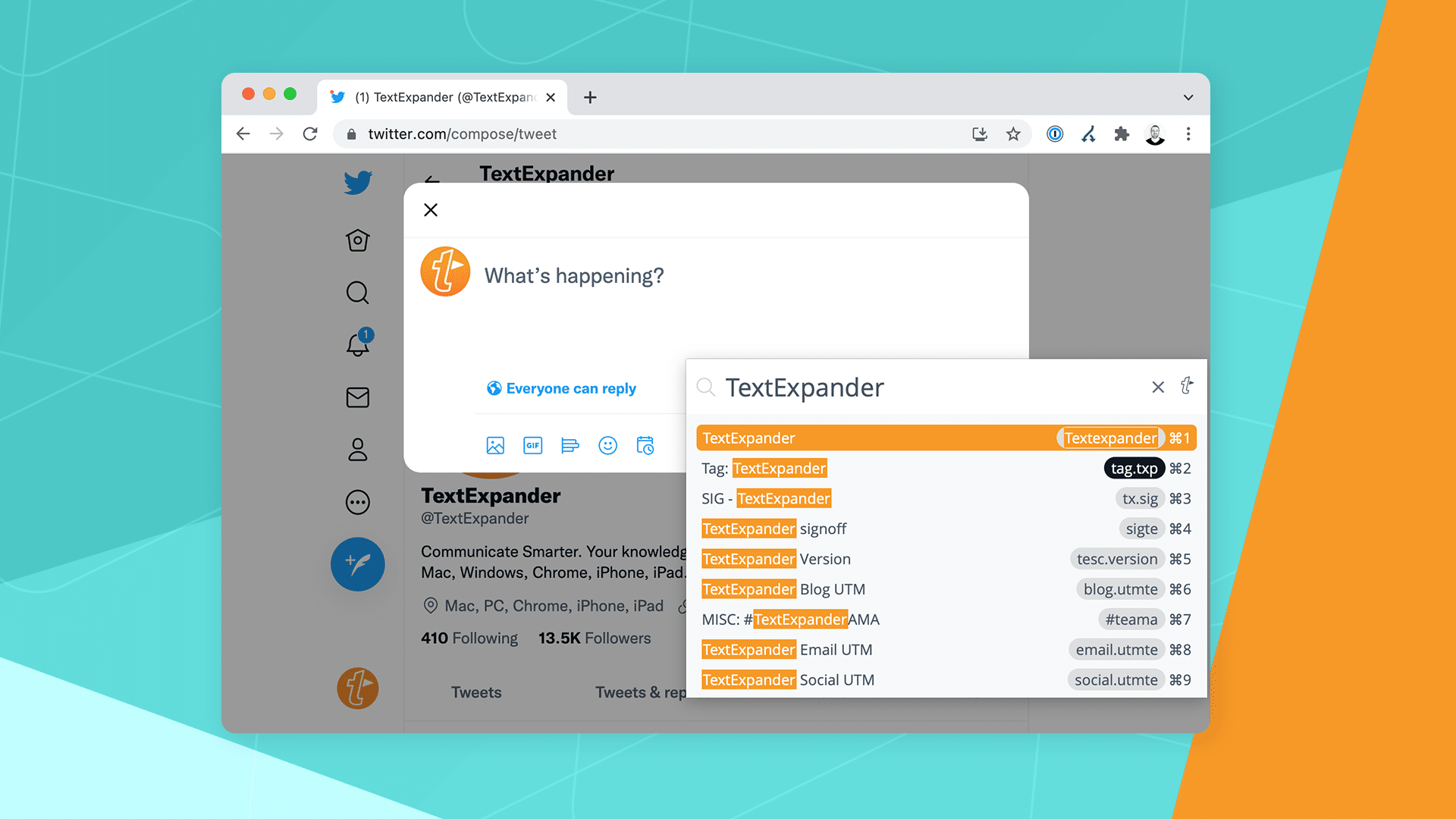
- Search and insert Snippets with a keyboard shortcut
- Rich text, images, and links
- Fix typos automatically with AutoCorrect groups
- Get suggested Snippets based on what you type often
- Ready-made Public Groups for symbols, emoji, accented words, HTML, and more
Dynamic content
- Fill-in fields: text, paragraphs, pop-up menus, and optional sections
- Insert the current date and time in any format
- Date math for future or past dates
- Insert clipboard contents
- Set where the cursor lands after expansion
- Run JavaScript, AppleScript, and shell scripts
Teams & admin
- Shared Snippet groups with view and edit permissions
- Organizations that new teammates join automatically with their company email
- Usage insights showing time saved and top Snippets
- Single Sign-On (SSO)
- Snippet Requests for suggesting new or updated content
Everywhere you work
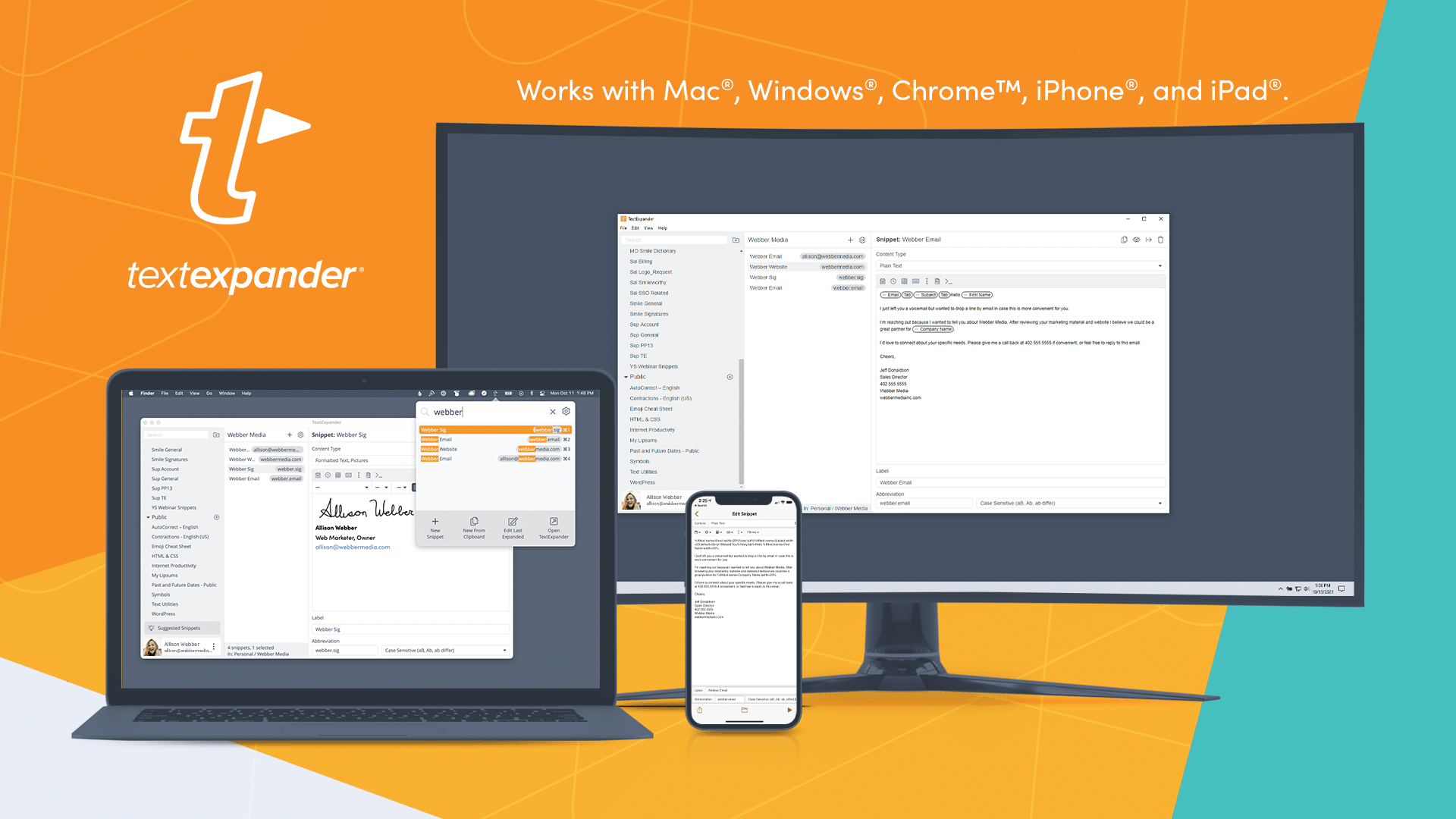
- Apps for Mac, Windows, Chrome, iPhone, and iPad
- Snippets sync across all your devices
- A custom mobile keyboard that expands Snippets in any app
- One subscription covers every app
What customers say
“The ability to share snippets with collaborators is priceless. In an organization with people around the world using snippets 50+ times a day, we’re now easily able to manage, update, and standardize thousands of snippets.”
“TextExpander is all about efficiency, a combination of speed and accuracy. If we aren’t efficient, we are wasting time and money, and our customers are waiting on us.”
“It allows my team to use standard templates, but still customize specific details without breaking our workflow. It essentially functions as a ‘second brain’.”
“With TextExpander I can create professional-looking documents in 1/3 the time it took to type them by hand, and it’s faster than dictation.”
“This value can be quantified in saving not just minutes or hours, but weeks worth of time, when measured over months.”
“As a teacher, I’m grading the same papers and making the same comments time and again. Being able to type abbreviations which turn into my usual comments has cut my grading time in half.”
Logos, screenshots & spelling
Click any asset to open the full-resolution file. For everything in one download, grab the press kit (.zip).


How to spell it
TextExpander
Text Expander
Textexpander
Textpander
One word, with a capital T and a capital E. Our product’s content items are called Snippets.
Product screenshots
Pricing
- Free$0, free forever with no credit card required
- ProAnnual: $5/mo USD per user/month, billed yearly at $60 USDMonthly: $6/mo USD per user/month, billed monthly
- BusinessAnnual: $10/mo USD per user/month, billed yearly at $120 USDMonthly: $12/mo USD per user/month, billed monthly
- EnterpriseCustom pricing. Talk to sales
Annual billing gets you two months free. Full details on the pricing page. Press can request an extended review account at pr@textexpander.com.
System requirements
- MacmacOS 11.1 or later
- WindowsWindows 10 or later
- ChromeChrome v109 or later
- iPhone & iPadiOS 15 or later
About TextExpander
TextExpander builds productivity software that helps individuals and teams communicate faster and more consistently. Millions of Snippets expand every day in support centers, sales teams, clinics, classrooms, and home offices around the world. We’ve been serving customers on Mac, Windows, Chrome, iPhone, and iPad for more than 15 years.
Media inquiries
For interviews, review accounts, or assets not listed here, email our team.
pr@textexpander.com